How to get an Anthropic (Claude) API key
Last updated
- Open the Anthropic Console keys page and sign in. New users verify a phone number first.
- Add credits before you create a key. In Billing, click Buy credits. Anthropic publishes no minimum, so start with $5.
- Back on the keys page, click Create key. If Anthropic shows a screen about identity federation, click Continue with an API key.
- Type a Name such as
Besidkaand pick Expires. The default is 30 days, so choose a later date if you do not want to create a new key next month. Leave Linked account and Scope as they are, then click Create key. - In Save your API key, click Copy key, then Done. Anthropic shows the key only once, and it starts with
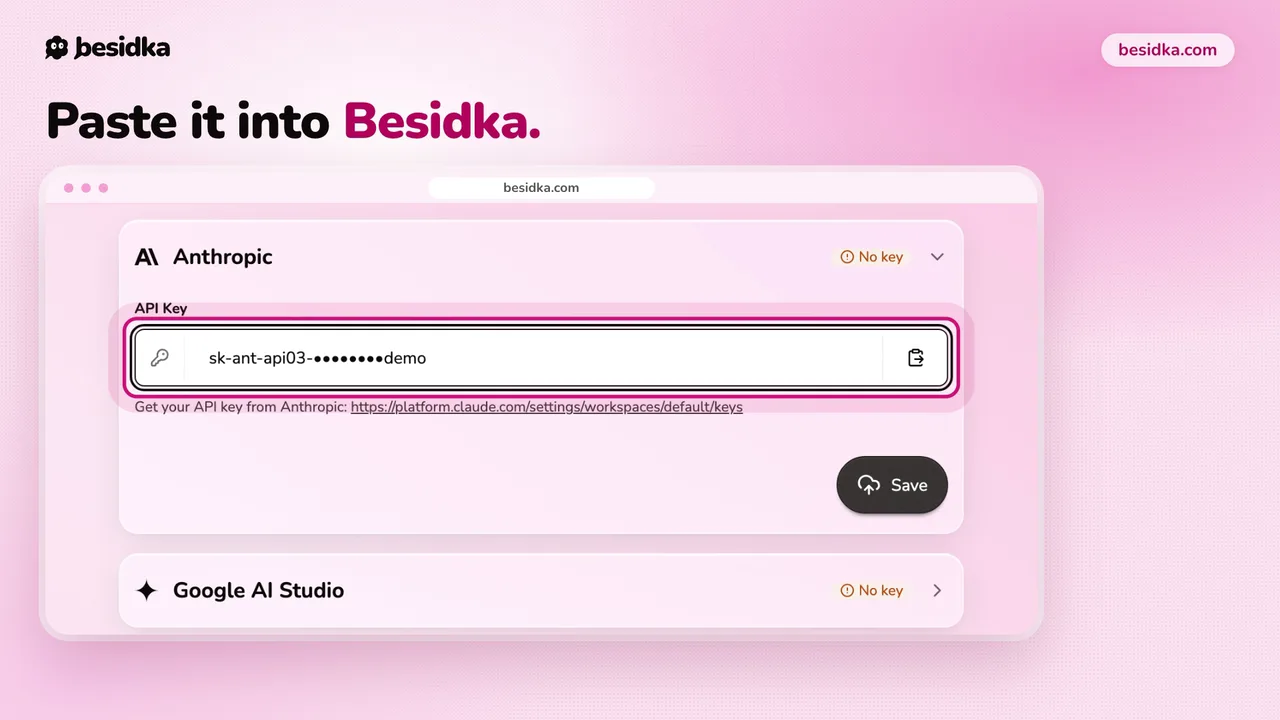
sk-ant-. - In Besidka, go to Profile, API Keys, then the Anthropic card. Paste the key into API Key and click Save.
- Start a new chat and pick a Claude model.
Good to know. Credits expire after one year. By default, Anthropic does not use your API inputs and outputs to train its models.
Got your key? Use it in Besidka
Paste the key once and chat with every model it unlocks. You pay the provider directly for what you use.