How to get a Qwen API key
Last updated
- Open the QwenCloud keys page and sign in. Use the international region the console defaults to (Singapore). Keys are tied to a region.
- Add your payment details. QwenCloud requires them to unlock the free quota. The account is pay as you go and no minimum top-up is documented, so if you add funds, start with $5.
- On API Keys, click Create API key.
- QwenCloud may ask for identity verification (KYC) before your first key. If you see a Security Notice, follow the KYC verification link. Key creation unlocks after approval.
- Add a description such as
Besidkaand click Generate Key. - Copy the key. QwenCloud shows it only once. A workspace can hold up to 20 keys.
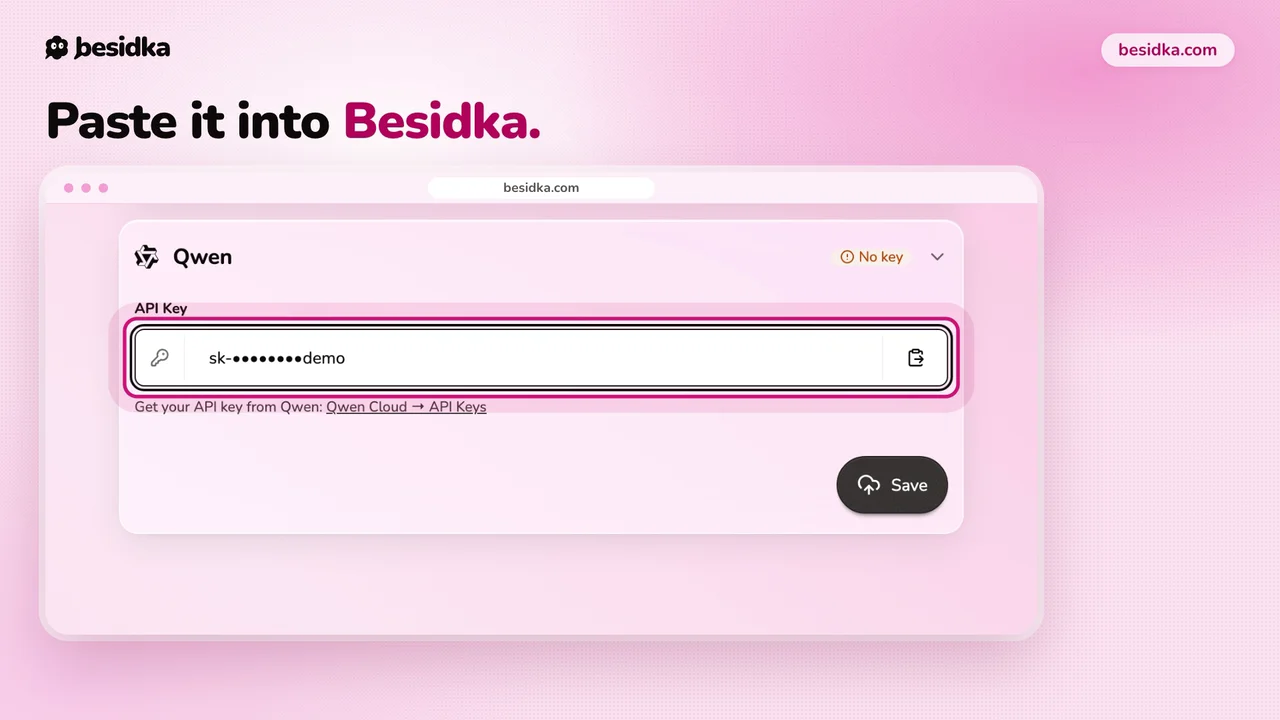
- In Besidka, go to Profile, API Keys, then the Qwen card. Paste the key into API Key and click Save.
- Start a new chat and pick a Qwen model.
Good to know. The free quota is about 1M tokens per model and expires 90 days after activation. Free Quota Only mode is off by default, so calls past the quota are billed. Turn it on if you want to stay free.
Got your key? Use it in Besidka
Paste the key once and chat with every model it unlocks. You pay the provider directly for what you use.