How to get a Kimi (Moonshot AI) API key
Last updated
- Open the Kimi platform keys page and sign in.
- Recharge before you create a key. Check the Recharge page for the payment methods you can use. The minimum is $1, so recharge $5. Once your total recharge reaches $5, you get a $5 voucher, and a total of $10 unlocks Tier 1.
- Back on the keys page, click Create API Key.
- In Enter API Key name, type a name such as
Besidka. Leave Project on the default and click OK. - In Your API Key, click the copy icon, then OK. The platform shows the key only once.
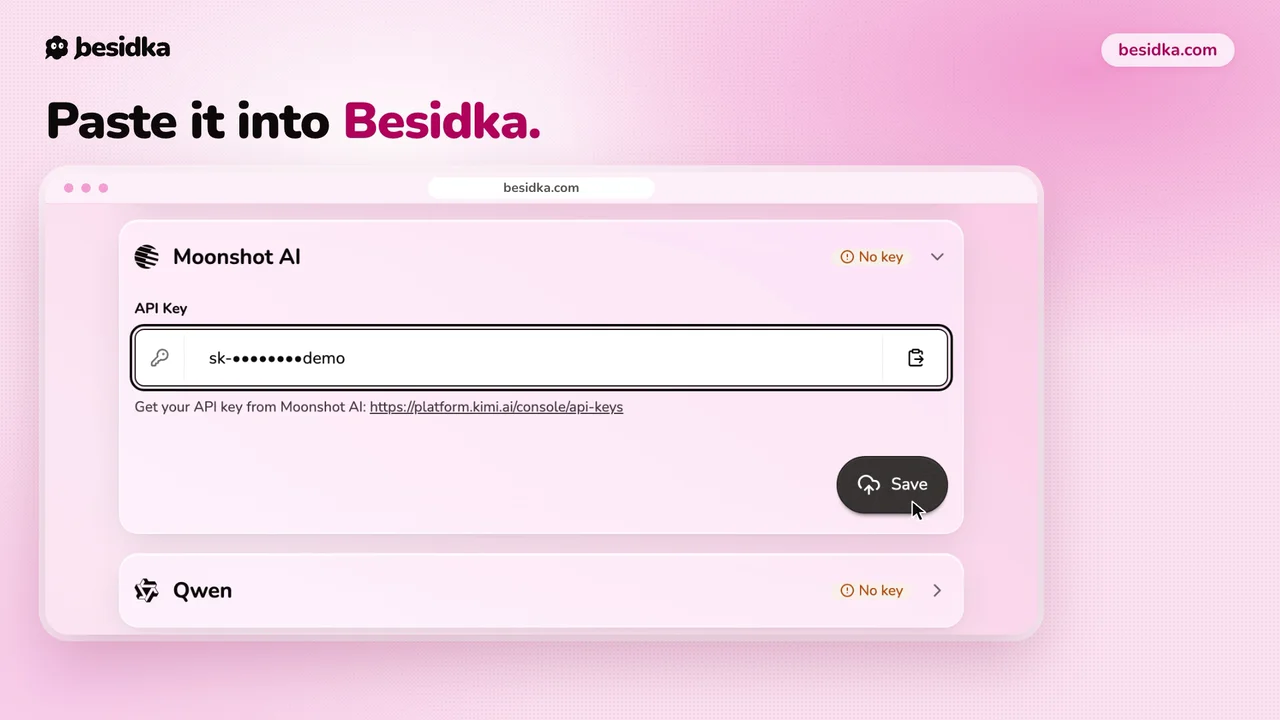
- In Besidka, go to Profile, API Keys, then the Moonshot AI card. Paste the key into API Key and click Save.
- Start a new chat and pick a Kimi model.
Good to know. Keys are tied to a region. Create the key on platform.kimi.ai, the international platform, because a key from another Moonshot platform will not work with it.
Got your key? Use it in Besidka
Paste the key once and chat with every model it unlocks. You pay the provider directly for what you use.