How to get a Google AI Studio (Gemini) API key
Last updated
- Open the Google AI Studio keys page and sign in with your Google account. On a new account, accept the terms first.
- Click Create API key.
- In Create a new key, type a name such as
Besidka, pick a project under Choose an imported project, and click Create key. - In API key details, click Copy key. New keys start with
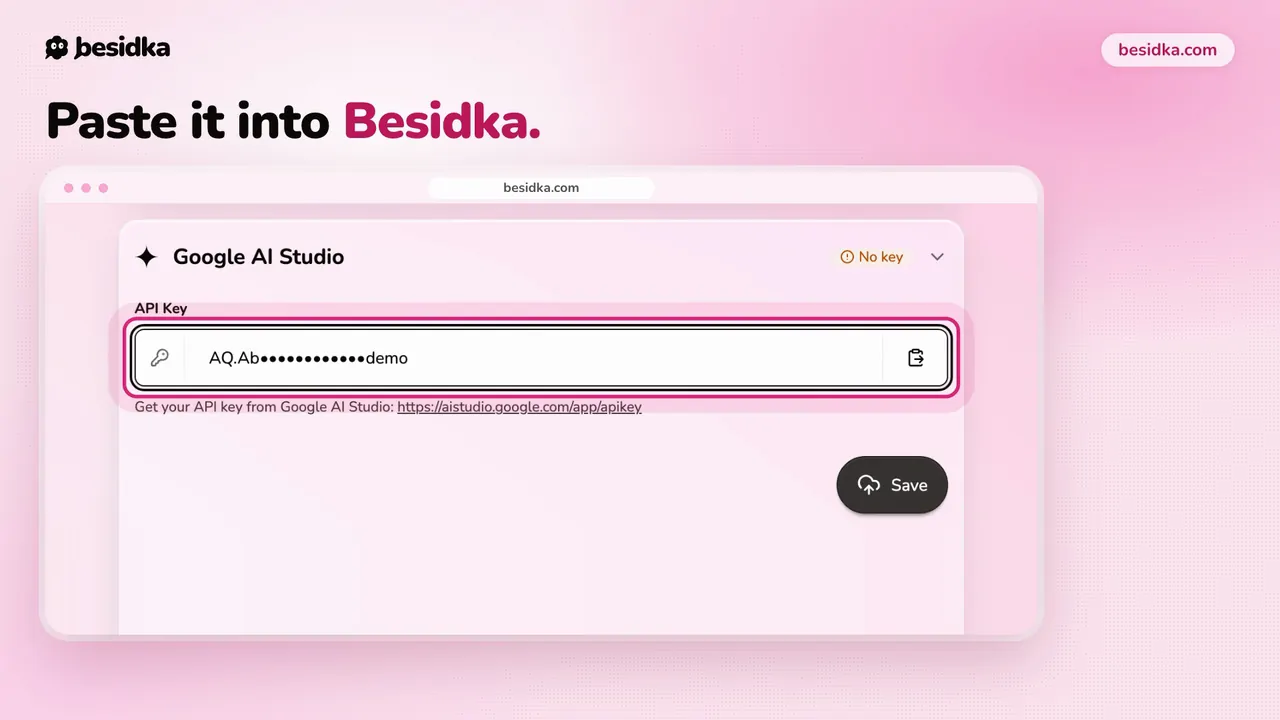
AQ.. - In Besidka, go to Profile, API Keys, then the Google AI Studio card, paste the key into API Key, and click Save.
- Start a new chat and pick a Gemini model.
Privacy on the free tier. Google may use free-tier prompts and responses to improve its products, and human reviewers may read them. For private work, link a billing account in AI Studio. On the paid tier, Google does not use your prompts to improve its products.
Got your key? Use it in Besidka
Paste the key once and chat with every model it unlocks. You pay the provider directly for what you use.