How to get an Exa API key
Last updated
- Open the Exa API keys page and sign in.
- Click Create Key.
- Type an API key name such as
Besidkaand click Create a Key. - Copy the key, then click Done.
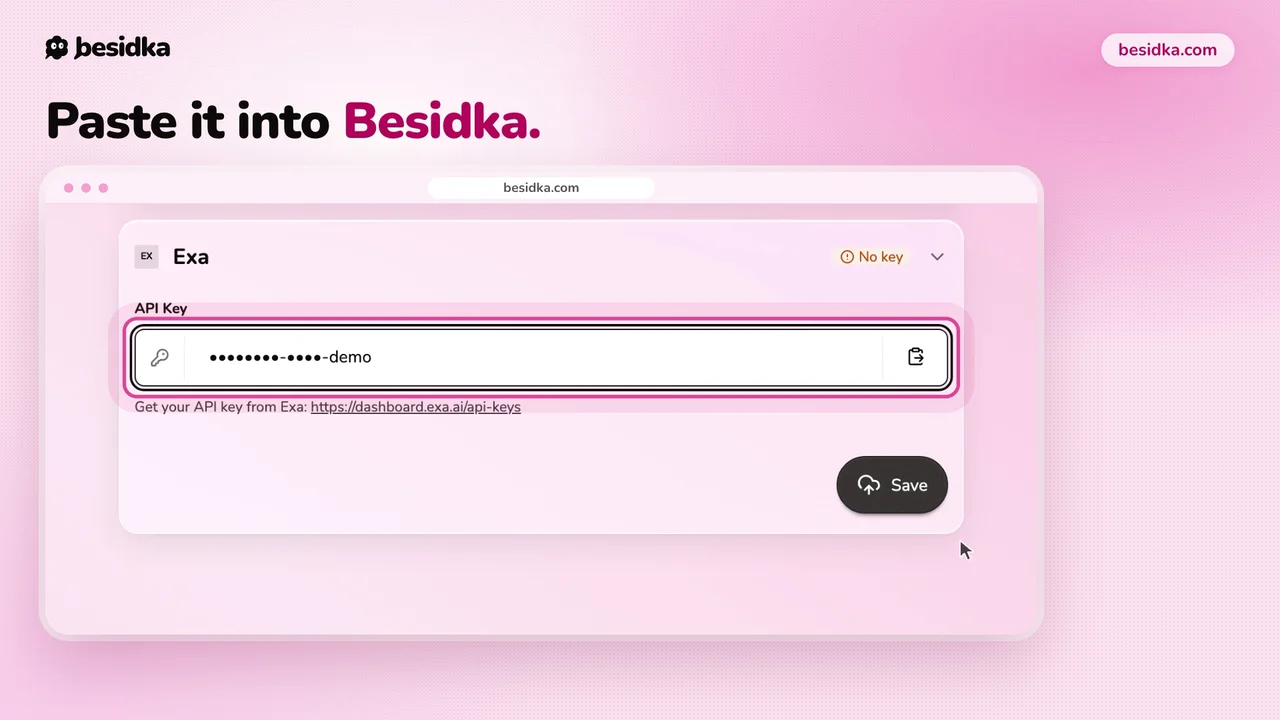
- In Besidka, go to Profile, API Keys, Search Providers, then the Exa card. Paste the key into API Key and click Save.
- Start a new chat, turn on web search, and pick Exa.
Costs. The free tier gives $10 every month, and the allowance resets monthly. A one-time $10 bonus comes on top. After that, search starts at $4 per 1,000 requests.
Got your key? Use it in Besidka
Paste the key once and chat with every model it unlocks. You pay the provider directly for what you use.