How to get a Vercel AI Gateway API key
Last updated
- Open the Vercel AI Gateway keys page, sign in, and pick your team if Vercel asks. Add a payment method when prompted.
- Click Create API Key.
- Type a Key Name such as
Besidka. Open Advanced Configuration, turn on Spend Budget, enter5in Monthly Budget ($), and set Budget Refresh to Monthly. Click Create API Key. - In Save Your AI Gateway API Key, click the copy icon, then I've saved this key. The key starts with
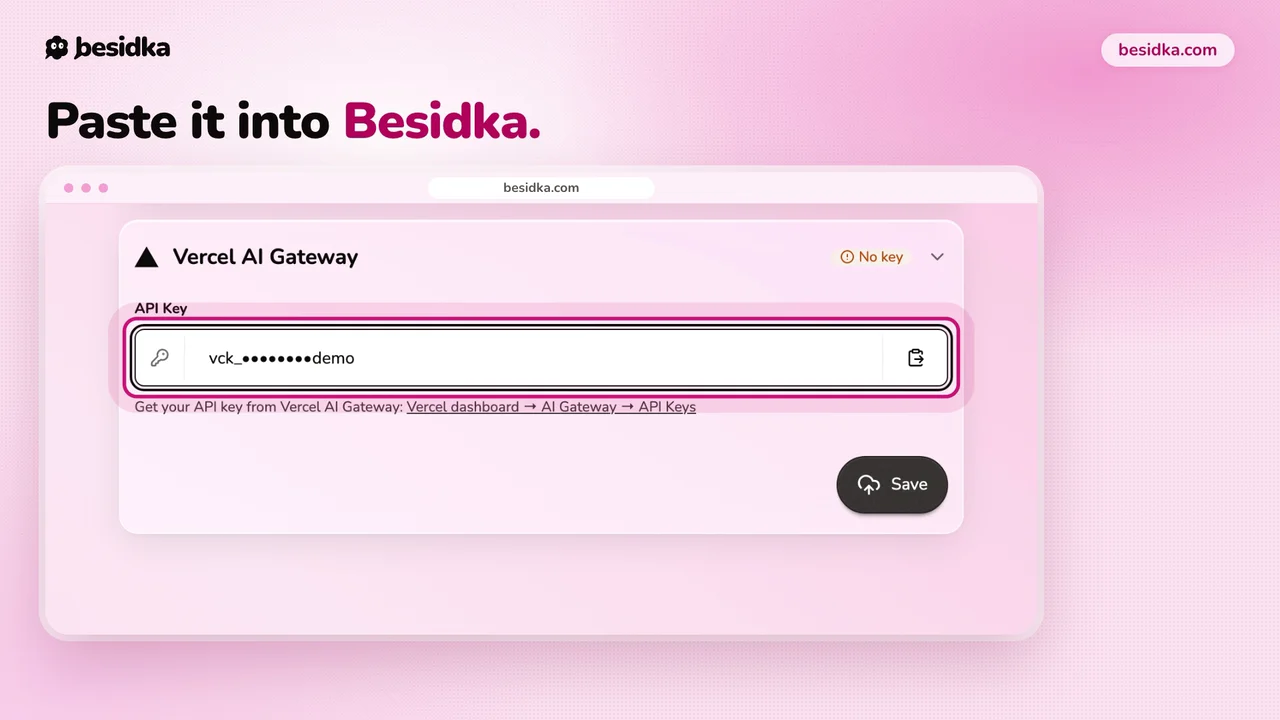
vck_, and Vercel shows it only once. - In Besidka, go to Profile, API Keys, Gateways, then the Vercel AI Gateway card. Paste the key into API Key and click Save.
- Start a new chat and pick a model from the Vercel list.
When a gateway makes sense. Use Vercel AI Gateway when you want one key and one balance for models from many providers. Vercel adds no fee on top of token prices. The spend budget does not count BYOK spend, so it only limits usage billed through Vercel. If you mostly use one provider, a direct key from that provider is simpler.
Got your key? Use it in Besidka
Paste the key once and chat with every model it unlocks. You pay the provider directly for what you use.