How to get an xAI (Grok) API key
Last updated
- Open the xAI console keys page and sign in.
- Add prepaid credits under billing before you create a key. xAI rejects requests once the balance reaches zero. Start with $5, and if you turn on auto top-up, keep its amount at $5.
- Click Create API key.
- Type a name such as
Besidka. Advanced settings are optional. Click Create API key. - In All set, here is your API key, click Copy API Key, then Done.
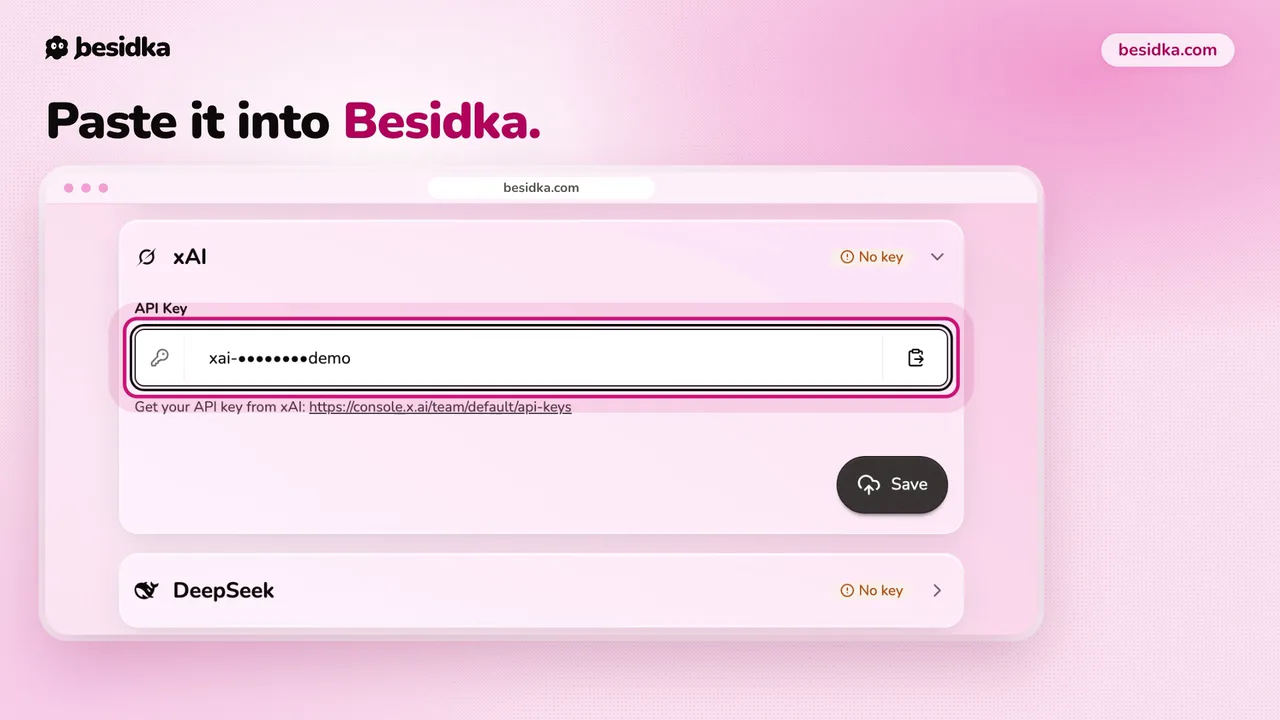
- In Besidka, go to Profile, API Keys, then the xAI card. Paste the key into API Key and click Save.
- Start a new chat and pick a Grok model.
Good to know. xAI's billing FAQ says cards issued in India cannot be saved for billing.
Got your key? Use it in Besidka
Paste the key once and chat with every model it unlocks. You pay the provider directly for what you use.