How to get an OpenAI API key
Last updated
- Open the OpenAI API keys page and sign in.
- Add credits under Billing. The minimum purchase is $5, so buy $5. OpenAI turns auto-reload on by default, so turn it off or set it to $5 to keep spending small.
- Back on the keys page, click Create new secret key.
- Leave Owned by on You, type a Name such as
Besidka, and pick a Project. Choose an Expiration from 1 day to 30 days, or Never. Leave Permissions on All, then click Create secret key. - In Save your key, click Copy, then Done. OpenAI shows the key only once.
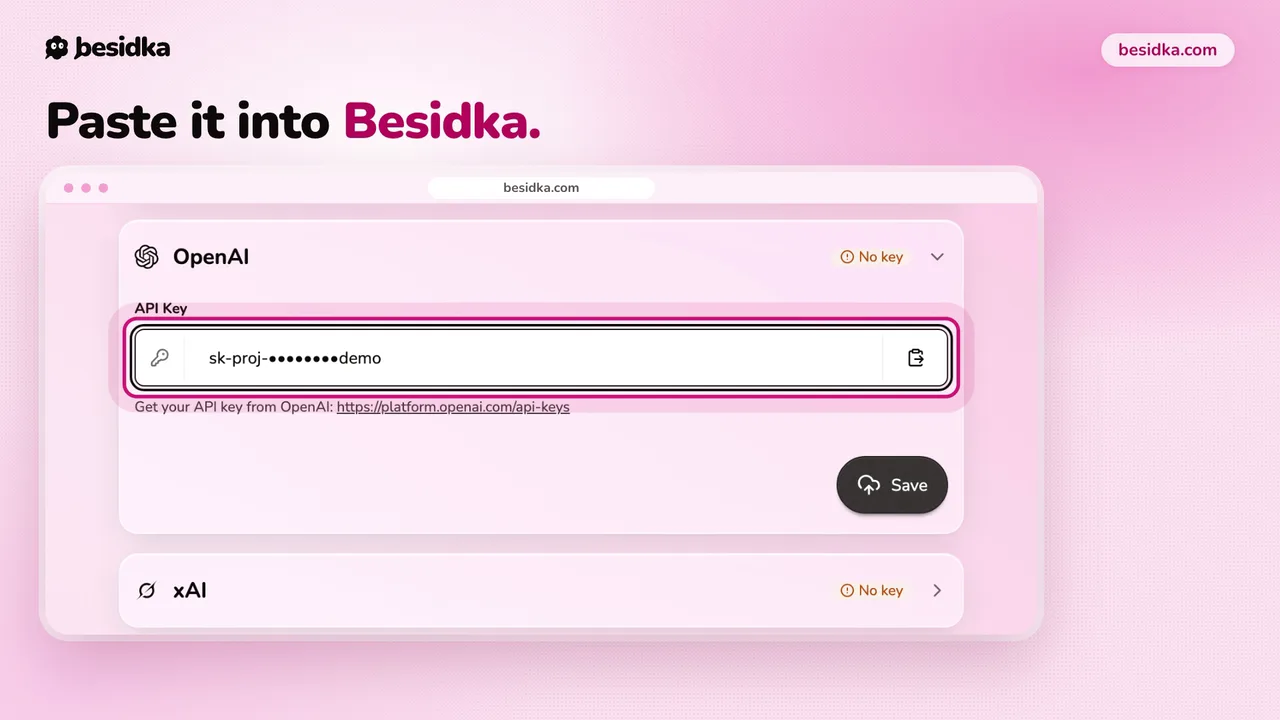
- In Besidka, go to Profile, API Keys, then the OpenAI card. Paste the key into API Key and click Save.
- Start a new chat and pick an OpenAI model.
Good to know. Some OpenAI models need Organization verification with a government ID. If a model is unavailable on your key, check that first. By default, OpenAI does not train its models on API data.
Got your key? Use it in Besidka
Paste the key once and chat with every model it unlocks. You pay the provider directly for what you use.