How to get an OpenRouter API key
Last updated
- Open the OpenRouter keys page and sign in.
- Click New Key.
- In Create API Key, type a Name such as
Besidkaand pick an Expiration. Under Credit limit, choose Custom amount and enter5, then click Create. The limit caps what this key can spend, and $5 lasts a long time for everyday chats. - If OpenRouter shows Verification required, enter the code from your email and click Continue.
- Copy the key under Your new key. It starts with
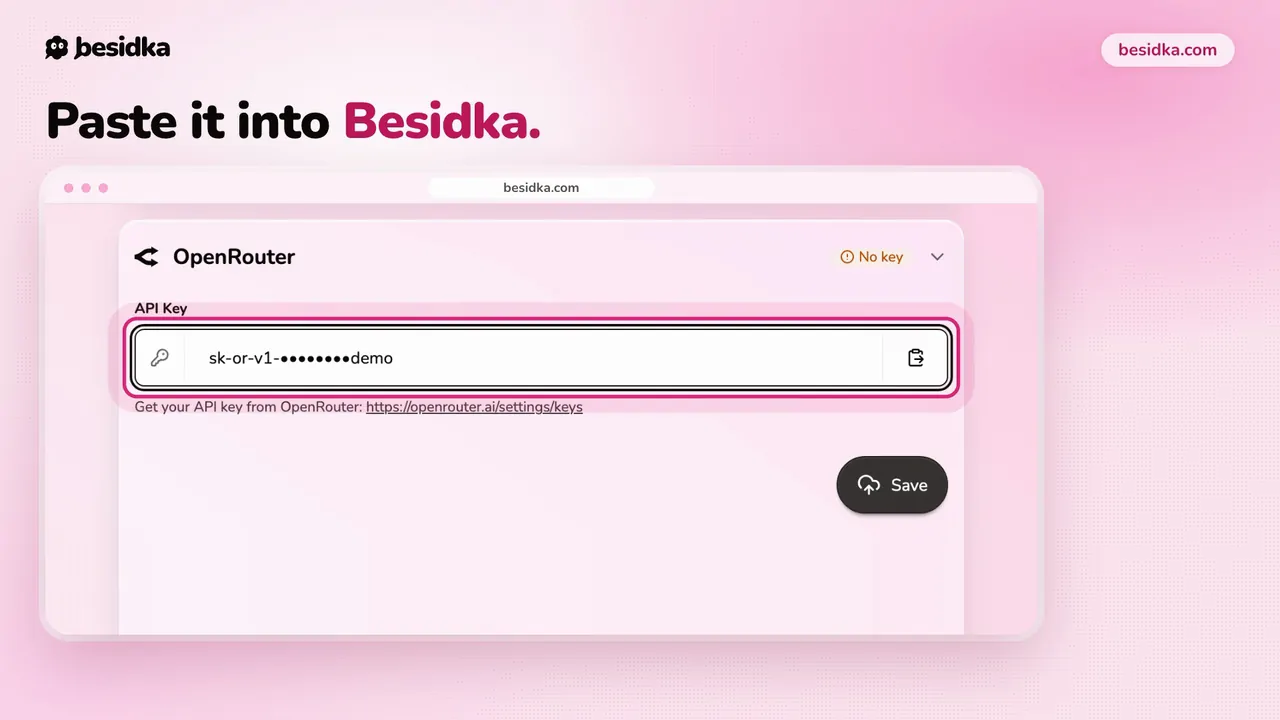
sk-or-v1-, and OpenRouter shows it only once. - In Besidka, go to Profile, API Keys, Gateways, then the OpenRouter card. Paste the key into API Key and click Save.
- Start a new chat and pick a model from the OpenRouter list. The Free category shows models that cost nothing.
When a gateway makes sense. Use OpenRouter when you want one key and one balance for models from many providers. If you mostly use one provider, a direct key from that provider is simpler and skips the 5.5% credit fee. OpenRouter bills models at the provider's list price.
Got your key? Use it in Besidka
Paste the key once and chat with every model it unlocks. You pay the provider directly for what you use.